
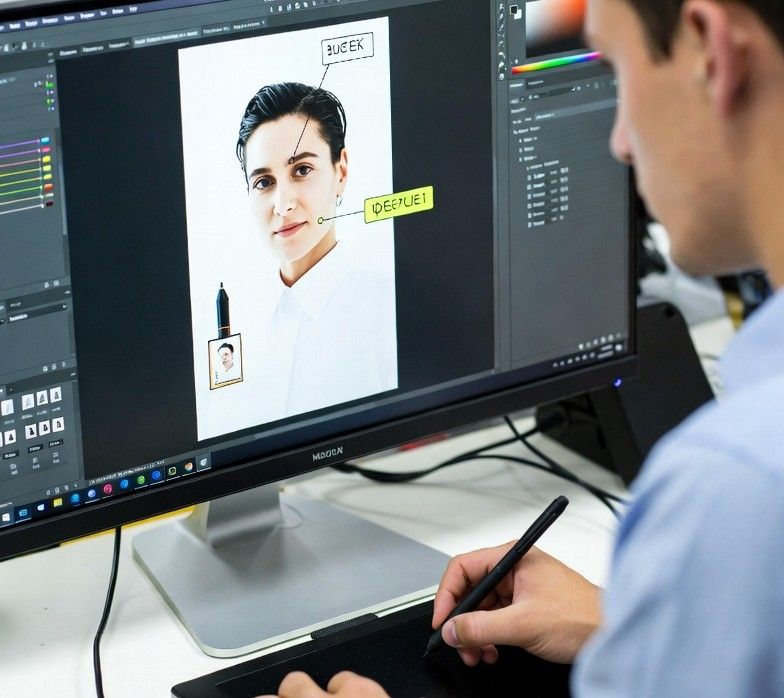
More than 62% of professionals use screenshots daily, whether for presentations, documentation, or quick communication. What was once a simple static capture has evolved into a dynamic workflow tool. Modern snip tool mac applications now integrate artificial intelligence, optical character recognition (OCR), and instant sharing features, turning screenshots into actionable data rather than just images.
Traditional screen capture utilities gave users basic cropping and saving options. Today, advanced solutions like snip tool mac platforms combine smart recognition with productivity-driven features. These tools are designed not only to capture what’s on your screen but to help you immediately use that information in documents, chats, or collaborative platforms.
OCR: Turning Images Into Text
One of the most transformative features in modern screenshot software is OCR. Tools such as TextSniper allow users to highlight text within an image and instantly convert it into editable, searchable content. This eliminates the need to manually retype information from a screenshot. For example, capturing a chart or a PDF page with embedded text becomes a quick way to extract data for reports or emails. The time saved is significant, especially for professionals who deal with research, contracts, or multilingual documents.
AI-Powered Workflows
Artificial intelligence has reshaped how screenshots fit into everyday tasks. Instead of acting as static files, they now integrate into workflows. AI-enhanced snipping tools can auto-detect text regions, suggest formatting, and even recognize patterns such as phone numbers or email addresses. This reduces manual editing and allows users to move seamlessly from capture to action. For instance, a screenshot of a meeting agenda can be instantly converted into a task list, while a captured invoice can feed directly into expense tracking software.
Cloud Integration and Sharing
Another major advancement is the ability to share screenshots instantly through cloud links. Applications like CleanShot X and Snagit provide one-click uploads to secure servers, generating shareable links that can be pasted into Slack, Teams, or email threads. This feature is particularly useful in collaborative environments where speed and accessibility matter. Instead of attaching heavy image files, users can send lightweight links that open directly in a browser, keeping communication smooth and efficient.
Choosing the Right Tool
With so many options available, selecting the right screenshot tool depends on workflow needs. For text-heavy tasks, OCR-focused apps like TextSniper are invaluable. For design teams, tools with annotation and markup features, such as Skitch, provide clarity in visual feedback. Meanwhile, productivity-driven environments benefit from apps that combine capture, editing, and instant sharing in one interface. The best choice balances simplicity with intelligent features, ensuring that screenshots enhance rather than slow down daily work. For those exploring hardware decisions alongside software, this guide to laptops for Sims 4 enthusiasts offers useful insights into choosing processors that support smooth performance.
Reducing Manual Editing Time
One of the biggest advantages of AI-driven snipping tools is the reduction in repetitive editing. Instead of cropping, highlighting, and typing out details, users can rely on smart recognition to handle these tasks automatically. This efficiency is especially noticeable in industries like journalism, education, and customer support, where screenshots often serve as evidence or instructional material. By cutting down on manual steps, professionals can focus more on analysis and communication rather than formatting.
Collaboration and Productivity Gains
Modern screenshot tools are built with collaboration in mind. Features such as instant annotations, quick sharing links, and integration with project management platforms make them ideal for team-based environments. A screenshot can now serve as a living document, complete with comments and highlights, rather than a static image. This shift reflects a broader trend in workplace technology: tools are expected to be intelligent, connected, and adaptable to multiple contexts.
Conclusion
Screen capture technology has moved far beyond its original purpose. With OCR, AI-powered workflows, and cloud integration, today’s snip tool mac solutions transform screenshots into dynamic assets. Whether for extracting text, sharing ideas, or streamlining collaboration, these tools save time and enhance productivity. For professionals seeking smarter ways to handle visual information, adopting AI-enhanced screenshot software is no longer optional—it’s essential.